
Published February 25, 2026
The Pros and Cons of Photo Scanning Apps: Are They Right for Your Memories?
Tucked away in shoeboxes, gathering dust in attics, or stacked in forgotten albums, our printed photographs hold the keys to our personal history. They are tangible links to moments, people, and places we cherish. In our digital-first world, the desire to bring these memories into the present is stronger than ever. The solution seems simple: scan them! But that opens up a new question: what’s the best way to do it? While professional services and bulky flatbed scanners have their place, the device you’re likely holding right now—your smartphone—has become a surprisingly powerful tool for this very task.
Photo scanning apps have exploded in popularity, promising to turn your phone into a portable scanner. But are they a magical solution for everyone, or are there trade-offs to consider? Let's dive into the pros and cons to help you decide if a scanning app is the right choice for liberating your precious photo collection.
The Pros: Why You’ll Love Photo Scanning Apps
The advantages of using a mobile app are compelling, focusing on convenience, speed, and intelligent features that make the process easier than you might think.
- Unbeatable Convenience: This is, without a doubt, the biggest selling point. You don't need to buy any new hardware, clear desk space for a scanner, or package your priceless photos to mail them to a service. Your scanner is in your pocket. You can scan photos during a commercial break, while waiting for a pot to boil, or on a nostalgic afternoon at your parents' house. This accessibility removes the biggest barrier to starting the project: friction.
- Speed and Immediacy: With a traditional flatbed scanner, you scan one photo, wait, save it to your computer, and repeat. With a scanning app, the process is nearly instantaneous. You capture the image, the app works its magic, and the digital photo is saved to your phone in seconds. This means you can scan a photo and immediately share it with family on WhatsApp, post it to Instagram for a #TBT, or airdrop it to a friend sitting right next to you. The gratification is immediate.
- Cost-Effectiveness: Dedicated photo scanners can cost hundreds of dollars, and professional scanning services charge per photo, which can quickly add up to a significant expense for large collections. Most photo scanning apps, on the other hand, operate on a "freemium" model. You can often scan a decent number of photos for free to test the quality, with affordable subscription options to unlock unlimited scanning and advanced features. It’s a budget-friendly entry point into photo digitization.
-
Smart, AI-Powered Features: Modern scanning apps are far more than just a camera button. They are packed with technology designed to produce the best possible result with minimal effort. This includes:
- Automatic Cropping and Perspective Correction: The app automatically detects the photo's edges and straightens it, so you don't have to worry about capturing it at a perfect angle.
- Glare Removal: Many advanced apps have built-in algorithms to identify and minimize the pesky glare that often ruins photos of glossy prints.
- Color Restoration: Old photos often fade, developing a yellow or reddish tint. A single tap can often restore the colors to their original vibrancy, making them look as if they were taken yesterday.
The Cons: What to Be Aware Of
While the benefits are clear, it's important to have realistic expectations. There are some limitations and potential drawbacks to using a smartphone app for scanning.
- Quality is Dependent on Your Phone and Technique: The final quality of your scan is directly tied to two things: the quality of your phone's camera and your scanning environment. A brand-new flagship phone will produce a sharper, more detailed scan than a budget model from five years ago. Furthermore, lighting is critical. Poor, direct lighting will cause glare and shadows, while dim lighting can result in a grainy, "noisy" image. It can’t quite match the controlled environment and high-resolution optics of a dedicated 600+ DPI flatbed scanner, making it less ideal for professional archival or large-format printing.
- It Can Be a Time-Consuming Project: While each individual scan is fast, digitizing hundreds or thousands of photos is still a significant time investment. You’ll need to find a good spot with proper lighting, lay out the photos, and scan them one by one (or in small batches). It requires patience and a steady hand to get through an entire shoebox.
- Navigating Subscriptions and Limitations: The free version of most apps will come with limitations. This could be a cap on the number of scans, a watermark on saved images, or restricted access to premium features like color restoration or cloud backup. To get the full, uninhibited experience, you'll likely need to pay for a subscription, which is a recurring cost to consider.
Making the Right Choice for Your Photos
So, what’s the verdict? For the vast majority of people, the pros of a photo scanning app heavily outweigh the cons. If your goal is to digitize your family photos to preserve them from damage, easily organize them, and share them with loved ones, an app is an excellent, accessible, and highly effective solution.
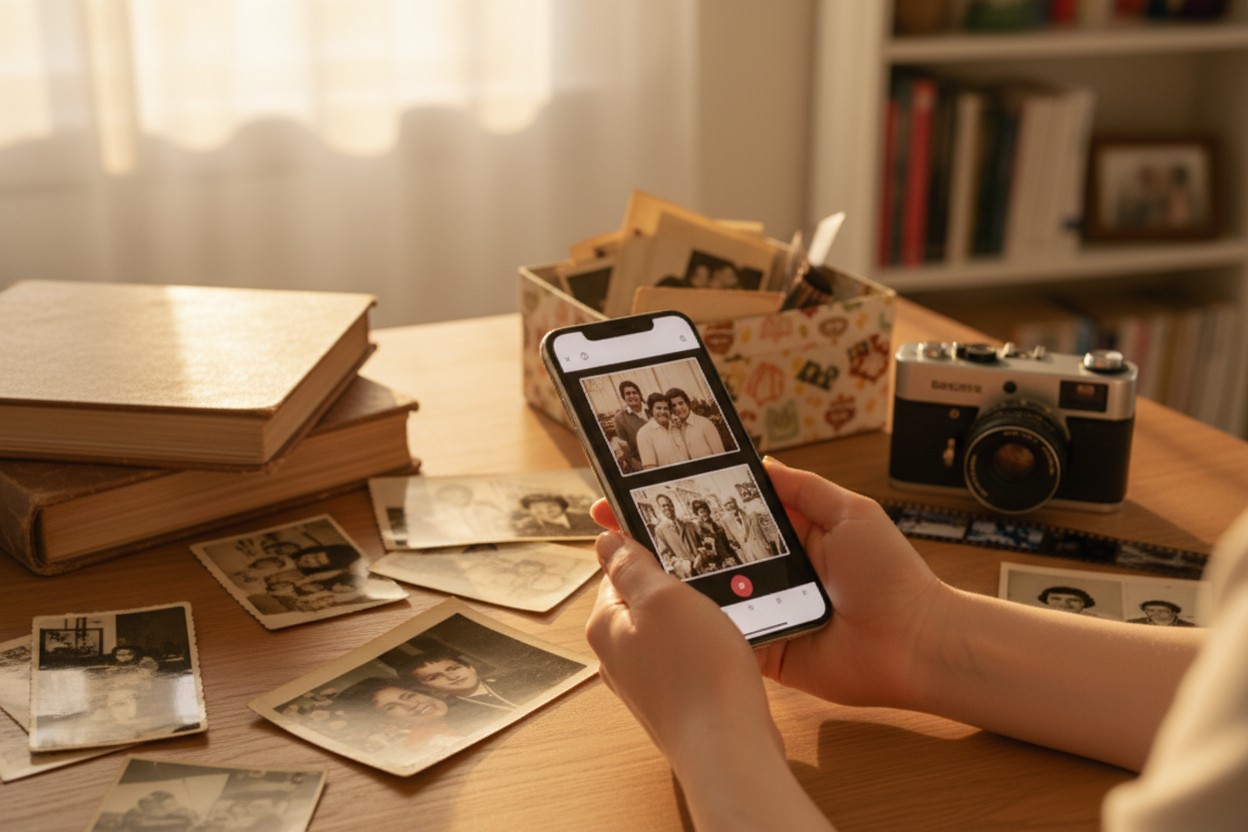
To get the best results, a little preparation goes a long way. Always wipe your phone's camera lens before you start. Find a spot with bright, indirect natural light—near a window but not in a direct sunbeam is perfect. To make the process more efficient, look for an app that supports batch scanning. Instead of scanning one photo at a time, which can become tedious, some apps are designed to make this much faster. For instance, with an app like Photomyne, you can lay out several photos on a single page and scan them all in one shot. The app then intelligently separates, crops, and saves each one as an individual digital photo. This single feature can turn a daunting weekend project into a manageable and even enjoyable evening task.
Ultimately, the "best" scanning method is the one you will actually use. A high-end scanner that sits in its box is useless. A photo scanning app, always with you, empowers you to finally tackle that mountain of memories, one snapshot at a time, bringing your past beautifully and brilliantly into your digital future.