
Published February 03, 2026
Photo Formats That Modern Devices Can’t Read
We live in a digital world, where photos are captured, shared, and stored with unprecedented ease. But what happens to those cherished memories as technology evolves? The sad truth is that not all photo formats are created equal, and some are destined to become relics of the past. This article explores photo formats that modern devices, including smartphones, tablets, and computers, may struggle to open or display.
Obsolete Formats: The Digital Graveyard
Several photo formats, once common, have fallen out of favor due to technological advancements, lack of support, or simply being superseded by better alternatives. Here are some of the most notable examples:
- PICT: Primarily used on older Macintosh systems, PICT (Picture) files are rarely supported by modern operating systems. While some viewers might still open them, compatibility is far from guaranteed.
- MacPaint: This format, associated with the original Macintosh computer, is a bitmap format. It’s incredibly basic by today's standards and is unlikely to be recognized by contemporary devices.
- IFF (ILBM/PBM): Interchange File Format (IFF) was used on the Amiga computer. While some variations, like ILBM (Interleaved Bitmap) and PBM (Portable Bitmap), might be encountered, they are generally not supported natively on modern platforms.
- PCX: Developed by ZSoft Corporation for PC Paintbrush, PCX was a popular format in the early days of personal computing. However, it has largely been replaced by more efficient and versatile formats like JPEG and PNG.
- RAS (Sun Raster): Used by Sun Microsystems, RAS files are another older bitmap format that is less common today.
Why Compatibility Matters
The inability to open these older formats can lead to several problems:
- Loss of Access: You might have precious photos stored in these formats, rendering them inaccessible on your current devices.
- Data Corruption: Attempting to convert or open these files with unsupported software can sometimes lead to data corruption or loss.
- Inconvenience: Needing to find specialized software or older hardware to view your photos is a major inconvenience.
What You Can Do
If you have photos in these obsolete formats, there are a few steps you can take to preserve and view them:
- Conversion: The best approach is to convert the files to a modern, widely supported format like JPEG or PNG. This can be done using image editing software or online conversion tools. Be aware that conversion may result in a slight loss of quality, especially with older formats that used compression.
- Emulation: If you need to preserve the original format, you might consider using an emulator. Emulators allow you to run older operating systems and software on your modern computer, enabling you to view the files as they were originally intended.
- Preservation: Consider backing up your converted photos to multiple storage locations, including cloud services and external hard drives, to ensure their long-term preservation.
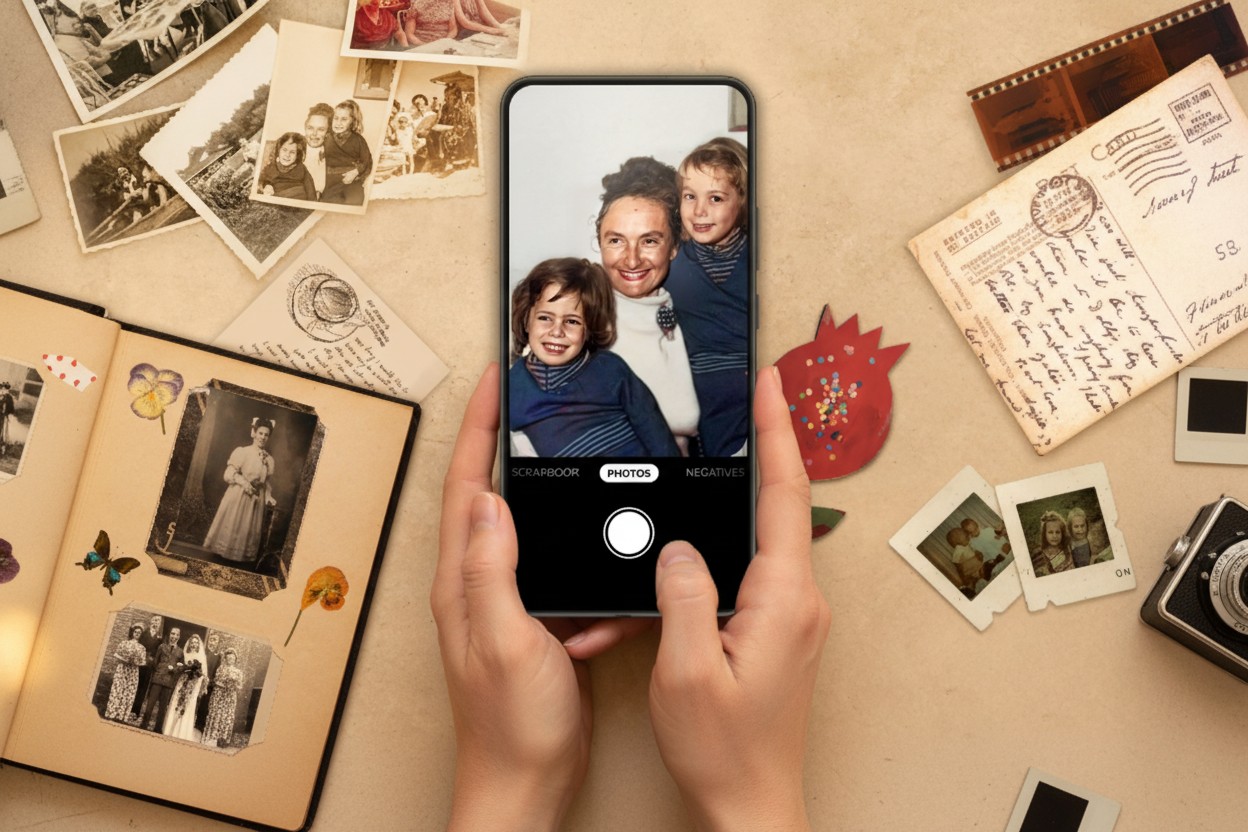
The good news is that many modern tools make it easy to convert and preserve your photos. For example, the Photomyne app helps you digitize your old photos, even those in less common formats, by scanning them directly from print. With millions of users and over half a billion images scanned, Photomyne offers a stable and scalable solution for preserving your photo memories.
By understanding the limitations of older photo formats and taking proactive steps to convert and preserve your images, you can ensure that your memories remain accessible for years to come.