
Published February 25, 2026
Photo Scanning App vs. Professional Service: Which Is Right for Your Memories?
In a dusty shoebox under your bed, inside a forgotten album on a high shelf, or tucked away in your parents’ attic, they wait: stacks of old photographs. These aren't just pieces of paper; they are tangible pieces of your history. They’re birthday parties from the 80s, awkward school pictures, weddings, vacations, and quiet moments with loved ones who may no longer be with us. In a world that’s increasingly digital, these physical photos feel both precious and vulnerable. The colors are fading, the corners are curling, and the risk of them being lost to time, fire, or water is very real.
The solution is clear: digitization. By converting your print photos into digital files, you preserve them forever, making them easy to share, organize, and enjoy. But how do you get from a shoebox of prints to a folder of JPEGs? This is where a major decision comes in. You essentially have two paths: using a photo scanning app on your smartphone or sending your collection to a professional scanning service. Both options will get the job done, but they offer vastly different experiences in terms of cost, quality, time, and convenience. So, which one is the right choice for you? Let's break it down.
The Case for Professional Scanning Services
A professional scanning service is a full-service operation. The process typically involves you gathering all your photos, slides, and negatives, boxing them up, and mailing them to a company. There, trained technicians use high-end, dedicated equipment to scan each item individually. They often include services like color correction, dust removal, and orientation correction before sending your original photos back to you along with your new digital files (usually on a DVD, USB drive, or via a cloud download).
Pros of Professional Services:
- Unmatched Quality: This is the biggest selling point. Professional services use high-resolution flatbed scanners and dedicated slide/negative scanners that capture images at a very high DPI (dots per inch). This results in incredibly detailed, sharp digital files that are suitable for large prints, detailed photo books, and archival purposes. They can produce massive TIFF files for serious photo editing or high-quality JPEGs for general use.
- It Saves You Time: The most valuable commodity for many of us is time. While it takes effort to gather and ship your photos, once they’re in the mail, your work is done. You don’t have to spend hours or weekends hunched over a scanner or phone. For massive collections of thousands of photos, this hands-off approach is a lifesaver.
- Expert Handling of Various Media: Do you have a box of delicate 35mm slides? Fading negatives? Odd-sized photos from the 1950s? Professionals are equipped to handle it all. Their specialized equipment is designed for these formats, which are nearly impossible to digitize well with a phone.
Cons of Professional Services:
- The Cost: Unsurprisingly, this level of quality and convenience comes at a price. Services typically charge per photo, slide, or negative. While prices vary, it can range from $0.20 to over $1.00 per image, depending on the resolution and included restoration services. A collection of 1,000 photos could easily cost several hundred dollars.
- Turnaround Time: This is not an instant process. From shipping your photos to the company scanning them and then shipping everything back, the entire process can take several weeks, sometimes even a couple of months during busy seasons.
- Risk and Lack of Control: For many, the idea of mailing their only copies of irreplaceable family photos is terrifying. While reputable companies have tracking and security measures, the risk (however small) of a package getting lost or damaged in transit is always there. You also give up control over the process, trusting someone else to make decisions about cropping and color.
The Rise of the Photo Scanning App
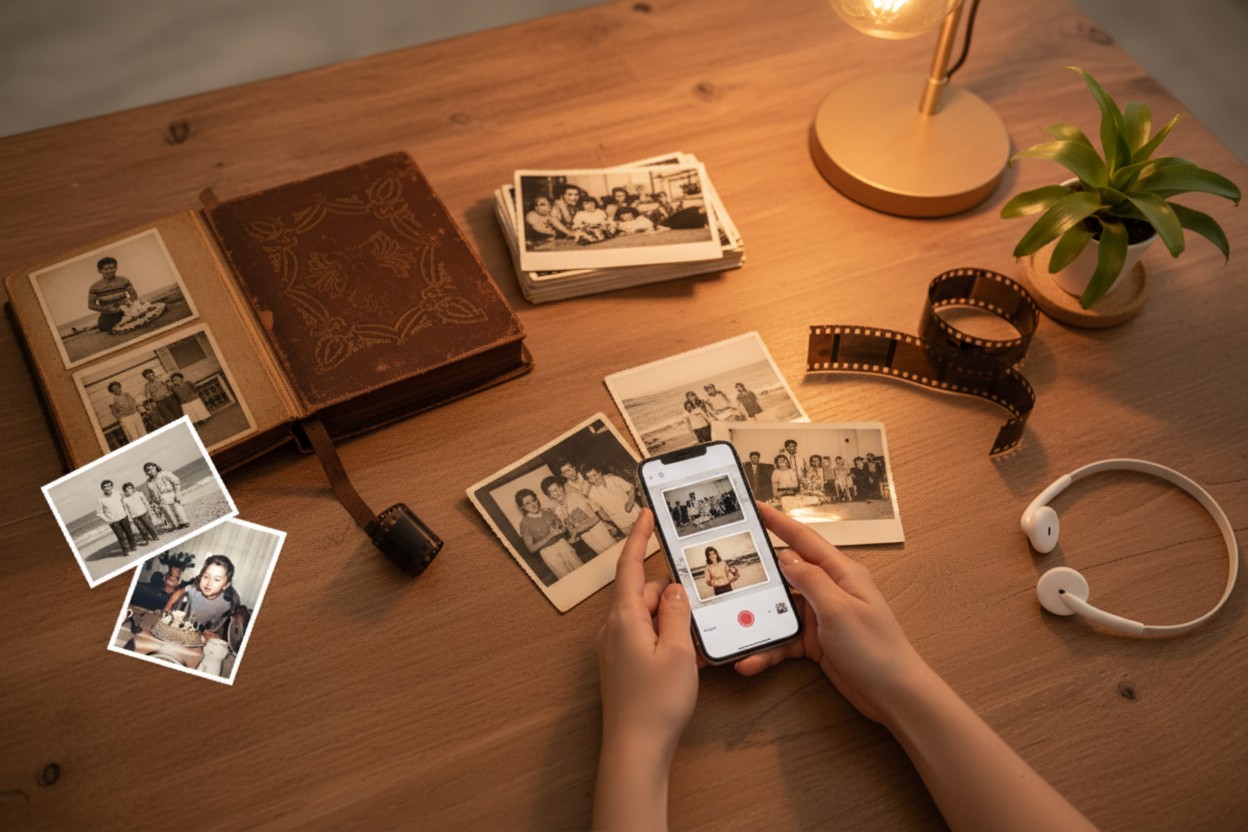
In your pocket right now, you have a device with a surprisingly powerful camera. Photo scanning apps leverage this technology, guiding you to create a digital copy of a print photo. Using your phone’s camera, the app helps you line up the shot, then uses software to automatically crop the edges, correct for perspective, and in many cases, enhance the colors—all in a matter of seconds.
Pros of Photo Scanning Apps:
- Incredibly Cost-Effective: This is the most significant advantage. Many scanning apps are free to download and use, with optional paid subscriptions that unlock premium features like unlimited scans, cloud storage, or advanced editing tools. Compared to the hundreds of dollars you might spend on a professional service, an app is a budget-friendly dream.
- Instant Gratification and Convenience: See a photo, scan it, and share it to your family group chat in under a minute. There’s no waiting. You can digitize your photos on your own schedule—a few during a lunch break, a whole album while watching TV. Your photos never leave your possession, eliminating the anxiety of mailing them away.
- You’re in Complete Control: Don't like how a scan turned out? Do it again. Want to capture the handwritten note on the back? Flip it over and scan it. You have full control over the entire process, from the lighting conditions to the final crop.
- Smart Features Make it Easy: Modern apps have evolved beyond simple picture-taking. For instance, some apps have clever features to speed things up. The Photomyne app, for example, allows you to scan an entire album page at once, automatically detecting and cropping each individual photo. This kind of smart technology can be a real game-changer, turning a tedious task into a much faster, more enjoyable experience.
Cons of Photo Scanning Apps:
- Quality is Dependent on You and Your Phone: While smartphone cameras are amazing, they are not dedicated scanners. The final quality depends on your phone’s camera, the lighting in the room (fighting glare can be tricky), and the steadiness of your hand. The resolution will be good enough for social media, digital photo frames, and small prints, but it won’t match the archival quality of a 600 DPI professional scan.
- It Requires Your Time and Effort: While each individual scan is fast, scanning a large collection of hundreds or thousands of photos is a significant time commitment. This is a DIY project, and you are the one doing all the work.
- Not Ideal for Slides and Negatives: Apps are designed for print photos. While you can technically take a picture of a slide held up to a light, the results will be poor. For slides and negatives, dedicated equipment is a must.
So, Which Path Should You Take?
The best choice truly depends on your personal priorities: your budget, the size of your collection, what you plan to do with the digital files, and how much time you're willing to invest.
Choose a Professional Scanning Service if:
- You have a very large collection (1,000+ photos) and the task feels too overwhelming to do yourself.
- You need the absolute highest archival quality for large-format printing or professional use.
- Your collection includes a lot of slides or negatives.
- Your time is more valuable to you than the cost of the service.
Choose a Photo Scanning App if:
- You are on a budget.
- You have a small to medium-sized collection and enjoy a good DIY project.
- Your primary goal is to preserve your photos and easily share them with family and friends online.
- You want instant results and don't want your precious photos to leave your home.
Ultimately, there is no wrong answer. The most important thing is to take action. Don't let your memories fade away in a shoebox. Whether you decide to carefully pack a box to mail or settle onto your couch to start scanning with your phone, you are taking the vital step of preserving your story for generations to come. You’re giving your memories a digital future, and that’s a project worth starting today.